What road-surface data does a DIALux streetlight calculation need?
Learn which road-surface, geometry and operating inputs a DIALux streetlight calculation needs, why surface assumptions affect luminance and how to document unknown data.
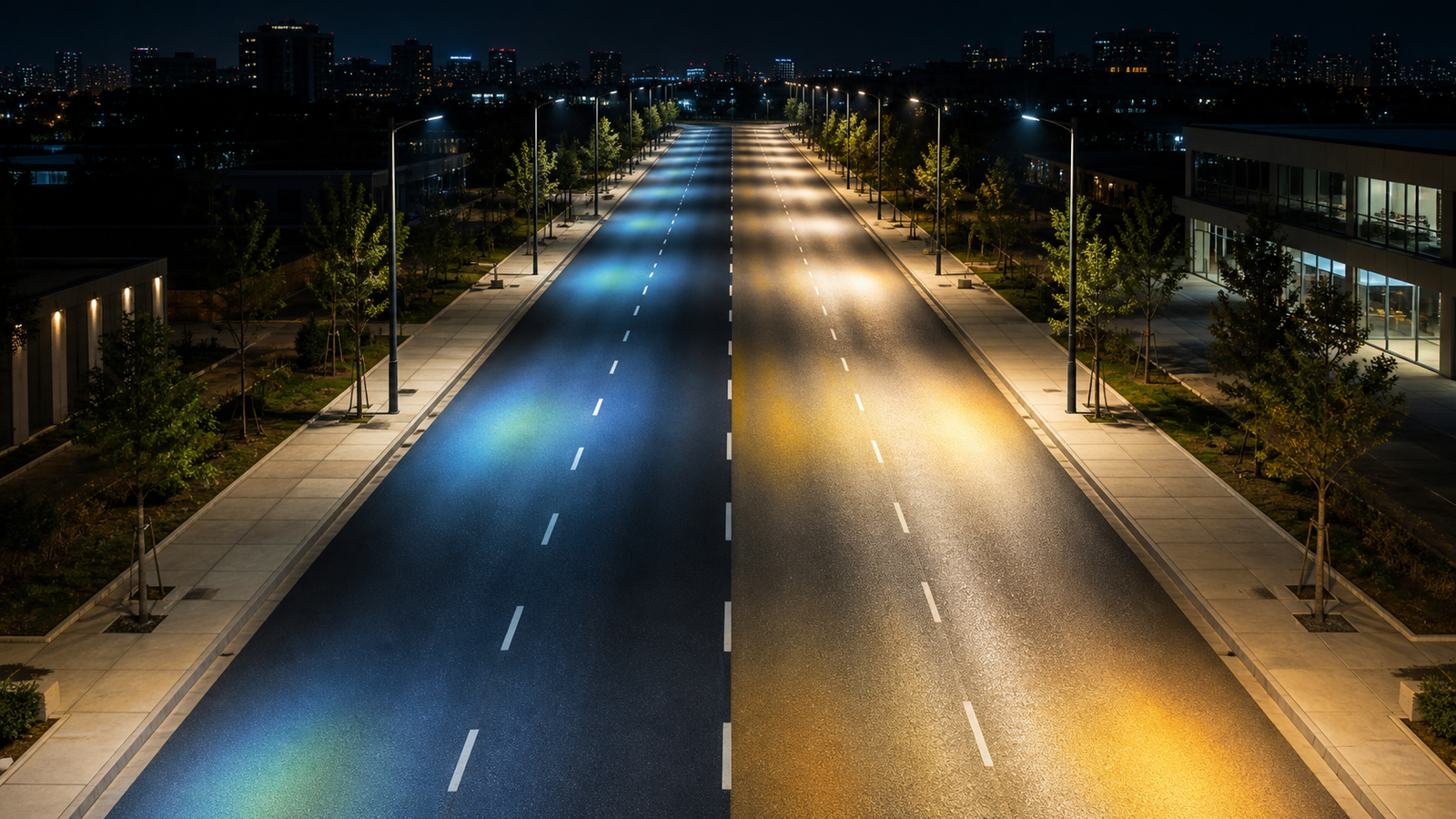
The short answer: road material is a calculation input, not a background colour
A useful DIALux streetlight calculation needs an identified roadway, its real geometry, the applicable evaluation criteria and a defensible road-surface assumption. The surface affects how incident light is reflected toward an observer, so a luminance result can change even when the poles, luminaires and spacing stay the same.
DIALux's official street-lighting workflow allows the road profile and surface material to be configured, and its default new scenario begins with a dry road surface. That default is a starting condition, not evidence that every project has the same pavement. When project data is missing, state the assumption clearly and check whether the client, consultant or relevant authority accepts it.
1. Define the actual carriageway and every adjacent zone
Start with the road width, number and direction of lanes, medians and any change in cross-section. Add sidewalks, cycle paths, parking strips, verges or emergency lanes when they are part of the design question. DIALux generates evaluation fields from the configured street profile, so an inaccurate profile can test the wrong area even when the luminaire layout is drawn neatly.
Use current drawings or measured information and record which dimensions are provisional. Also identify the calculation length, pole side, setback, outreach, mounting height, tilt and arrangement. Surface data cannot rescue an inaccurate geometry; both the road and the lighting installation must represent the project.
2. Identify the pavement condition and surface assumption
Ask what pavement is installed or specified, whether it is new or aged, and which surface description or reflection model the project criteria expect. Avoid selecting a road material only because its name sounds similar to the site. If the designer cannot obtain a defensible surface classification, the report should identify the selected assumption and why it was used.
Dry and wet conditions should not be mixed casually. DIALux has a separate wet-roadway calculation option, but whether it is relevant depends on the governing project criteria. A tropical climate, frequent rain or a client concern does not by itself define the required calculation method. Confirm the requested condition and report it explicitly.
3. Match the evaluation criteria to the road's use
The required result is not chosen from road material alone. Road use, traffic context and the applicable national or project framework determine which lighting class and evaluation fields should be assessed. DIALux supports configurable street profiles, lighting classes and standards, but the software does not decide the project's legal or contractual requirement for the user.
Confirm the standard edition, lighting class, maintained condition and any client or authority-specific requirements before optimisation. A calculation can support technical evaluation or a submission, while final acceptance remains with the relevant client, consultant or authority. Do not present a green result indicator as universal approval.
4. Use exact luminaire data and operating assumptions
Road-surface inputs are meaningful only when the luminaire data is also exact. Use the correct product article number, optic, output package and verified photometric file. Confirm pole spacing, mounting height, outreach, tilt, rotation, dimming or operating state and maintenance assumptions. A similar wattage or lumen output does not prove that a different streetlight distributes light in the same way.
If the calculation compares several optics or layouts, keep the road geometry, surface and criteria controlled so the comparison is readable. When multiple inputs change at once, record them separately; otherwise the report cannot show whether the result came from the optic, pole layout, surface assumption or another change.
Road-surface input and reporting checklist
Before modelling, collect: (1) a road plan and cross-section; (2) carriageway width, lanes and direction; (3) adjacent paths, parking, medians and verges; (4) installed or specified pavement information; (5) the required dry, wet or other stated condition; (6) the applicable standard edition and lighting class; and (7) the exact luminaire, pole and operating data.
Before issuing the report, verify that the road profile and evaluation fields match the drawing, name the chosen surface assumption, separate dry and wet results where applicable, show the luminaire arrangement and structural parameters, and review luminance or illuminance, uniformity, glare and other required outputs together. If the surface is unknown, include the limitation and, where useful, test a reasonable alternative rather than hiding the uncertainty.
Frequently asked questions
Can I leave the default road surface in a DIALux streetlight calculation?
Only if it is a justified and accepted project assumption. DIALux starts a new street scenario with a dry-road default, but the designer should verify the actual or specified pavement condition and document any uncertainty.
Does a wet road always need a separate DIALux calculation?
Not automatically. DIALux provides a wet-roadway option, but the required condition depends on the applicable project criteria, standard and authority or client requirements. Confirm the requirement before presenting the result.